
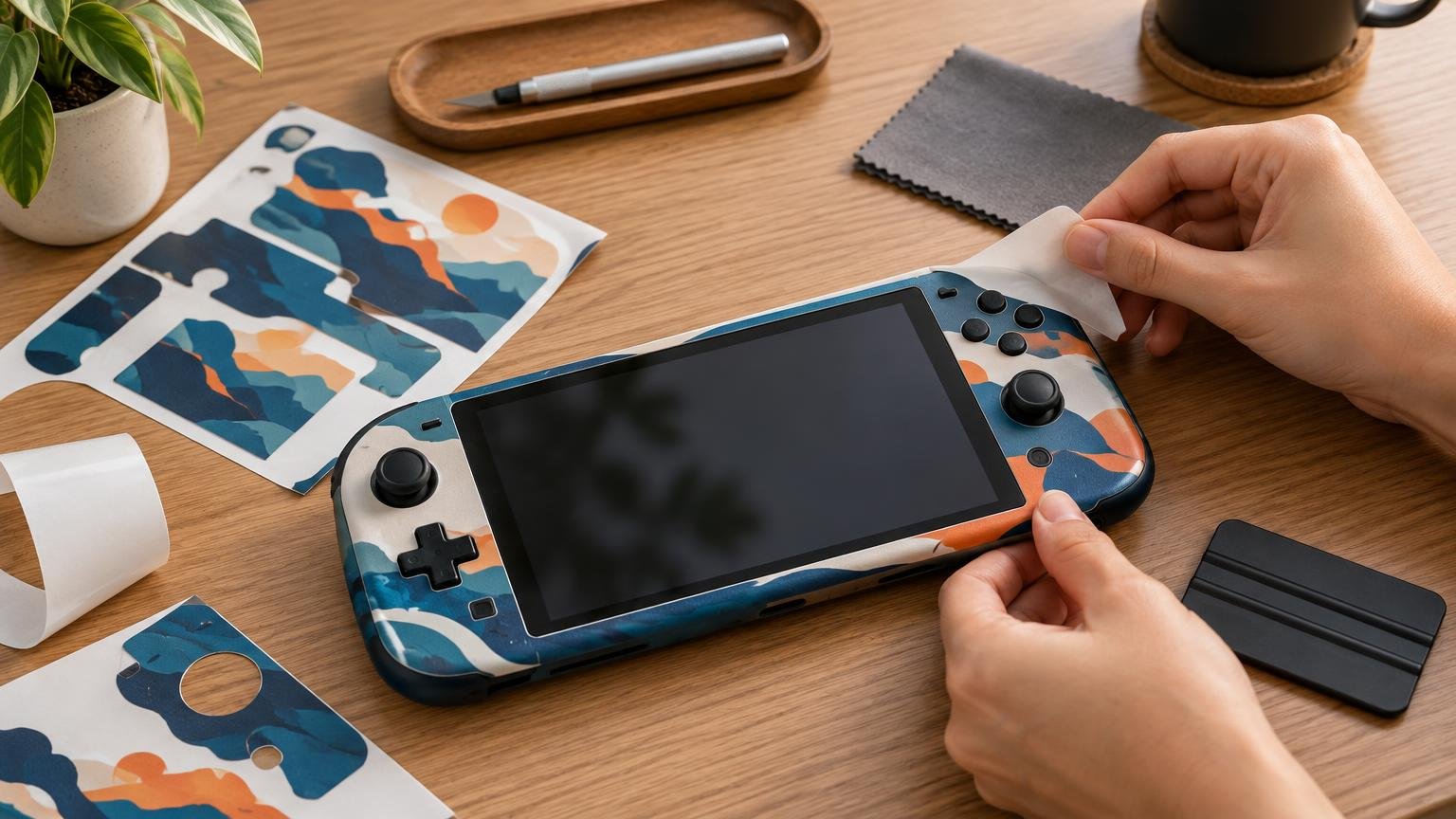
Device Skin Guides for Fit, Design, and Application
Make informed choices on fit, artwork, installation, care, and removal.
Make printed skins fit the device
RockinSkins is a practical guide to physical printed skins for consoles, controllers, handhelds, phones, tablets, and laptops. The focus is not only the artwork you see, but also the film, finish, cutlines, openings, edges, and alignment that determine whether a skin suits a particular device and the way you use it.
Choosing well starts with an exact model or hardware revision. Two devices with similar names, screen sizes, or casing outlines can place vents, camera openings, seams, buttons, and sensors differently. RockinSkins covers the checks that help readers assess fit, compare finishes, understand adhesive behavior, plan around accessories, and separate a decorative skin from the impact protection a case may provide.
The publication also connects design choices with production realities. It covers preparing artwork, allowing for bleed and cutlines, considering how a pattern crosses separate panels, and recognizing where seams or curved edges may change the finished look. A printed wood, metal, leather, carbon, or stone effect describes an appearance unless the actual material is documented.
Find guidance for your next project
Start with the task in front of you. Buying guidance helps narrow a choice by exact device, coverage, finish, and intended use. Design and printing guidance explains artwork scale, panel boundaries, bleed, contour cutting, and printed surface effects. Application and care guidance focuses on preparation, placement, alignment, edge handling, routine cleaning, troubleshooting, and removal without pretending one method suits every film, finish, or device surface.
When reading fit or installation advice, keep your exact device and skin material in view. Check the model number and revision rather than relying on a familiar product name or a similar-looking shell. Follow current instructions for the relevant device and material where heat, cleaners, coatings, ventilation, sensors, antennas, or wireless charging matter. Treat unsupported precision as a reason to verify, not as a shortcut.
Latest from RockinSkins
Make the next decision confidently
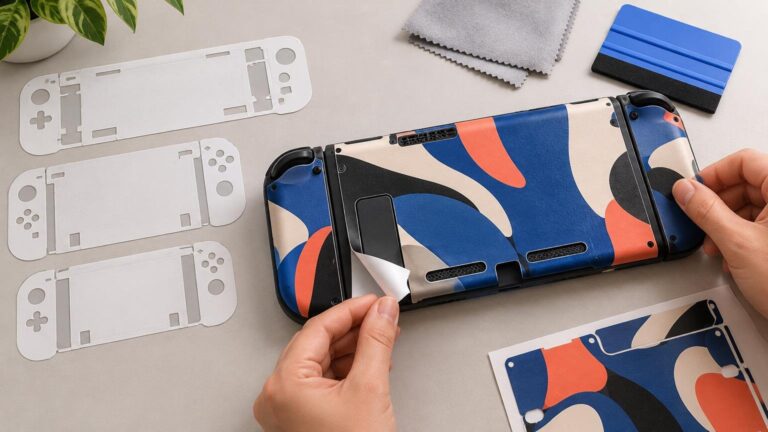
A successful skin project begins before the backing liner is removed. Confirm the device, inspect the surface, review the panel layout, and identify every opening that must remain clear. Then consider how the finish, edge placement, charging method, accessories, and normal handling could affect the result. Small checks early can prevent obvious alignment, clearance, and compatibility problems later.
Whether the goal is a restrained color change, a detailed graphic, or a fresh look for frequently handled hardware, RockinSkins keeps the device at the center of the decision. Use the publication to move from a visual idea to a practical plan, with clearer questions for choosing, designing, ordering, applying, maintaining, and eventually removing a printed skin.